Enter the length and width of the floor, or the length and height of the wall, and pick the sheet size. Add any doors and windows in a wall. The calculator divides the area by the sheet size, adds 10% for cuts and rounds up to whole sheets. For a roof, take the sloped roof area from the roofing calculator and enter it as length × width.
How the plywood calculator works
- Area = length × width, minus 21 sq ft for each door and 15 sq ft for each window.
- Sheets = area × (1 + extra %) ÷ sheet area, rounded up.
- A 4 × 8 ft sheet covers 32 sq ft, a 4 × 9 ft sheet 36 sq ft and a 4 × 10 ft sheet 40 sq ft. Taller sheets let you cover a 9 or 10 ft wall with no horizontal joint.
Sheets by area
| Area | 4 × 8 ft sheets | 4 × 9 ft sheets | 4 × 10 ft sheets |
|---|---|---|---|
| 100 sq ft | 4 | 4 | 3 |
| 250 sq ft | 9 | 8 | 7 |
| 500 sq ft | 18 | 16 | 14 |
| 1,000 sq ft | 35 | 31 | 28 |
Worked example
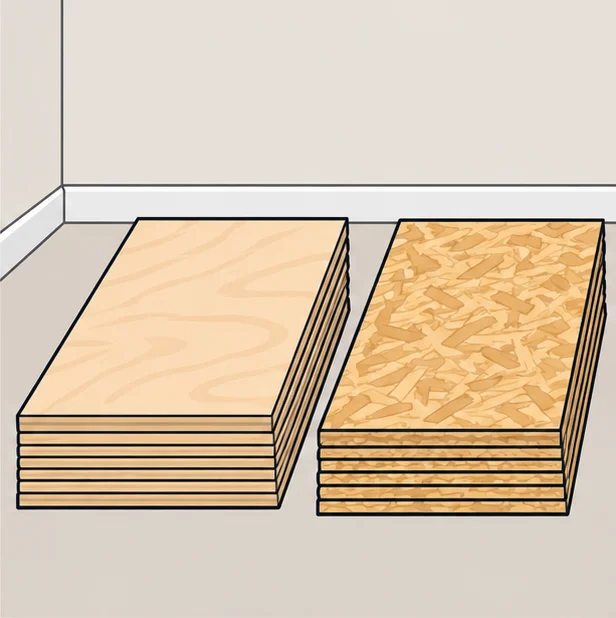
A 20 × 12 ft room needs a new subfloor. The area is 240 sq ft; with 10% extra that is 264 sq ft, and 264 ÷ 32 = 8.25, so 9 sheets of 4 × 8 ft plywood or OSB.
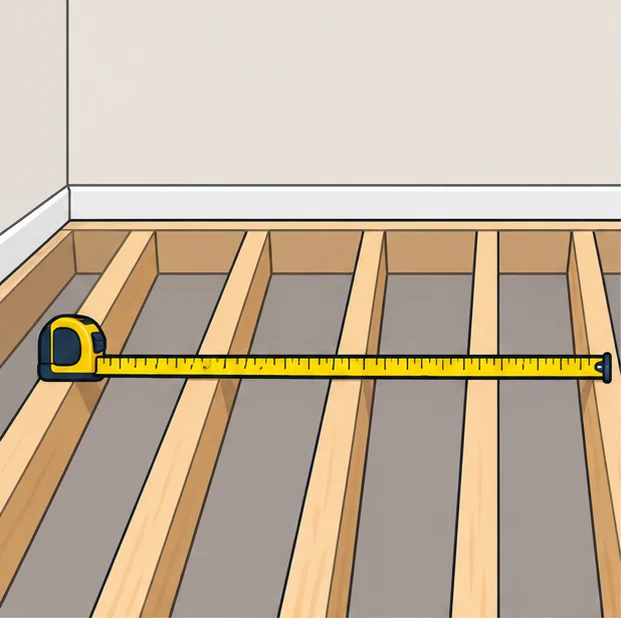
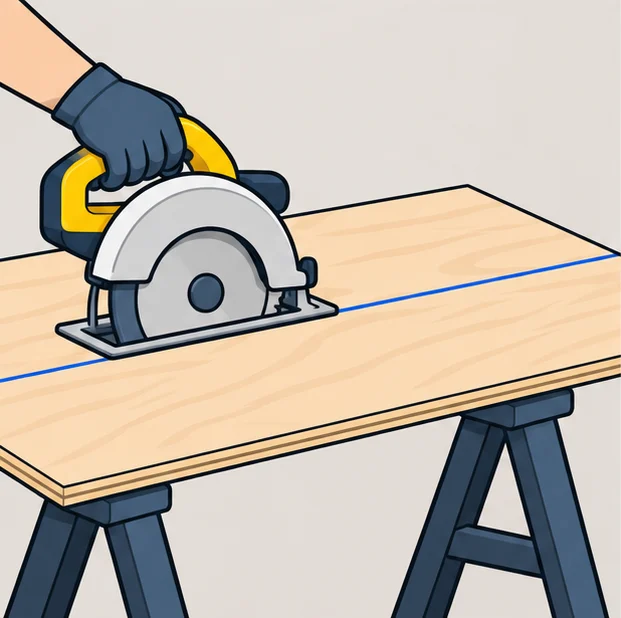
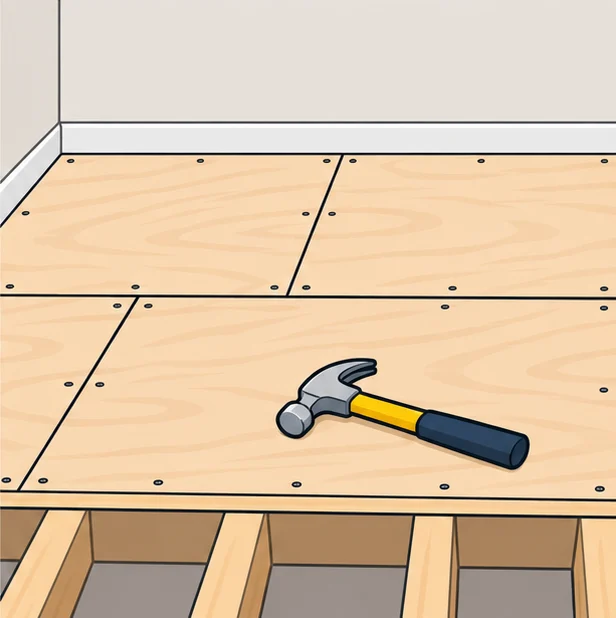
Step by step: estimating sheathing
Tips before you buy
- Floors and roofs are laid with the long side across the joists or rafters and the end joints staggered.
- Panel thickness and span rating are set by the joist or rafter spacing; check the stamp on the panel and your local code.
- Leave a small gap between sheets as the panel maker recommends, so they can expand without buckling.
- Many openings, angles or a complicated outline need more than 10% extra; sketch the layout first.